Connect a DBMS
Create a connection to the organisation's database and expose the required tables to the DeepVisuals model.
 MAINSYSTEMS
DATA
DeepVisuals works over connections to MS SQL Server, MySQL, Oracle, PostgreSQL, MariaDB and other DBMS. Excel is also supported for manual or complementary sources.
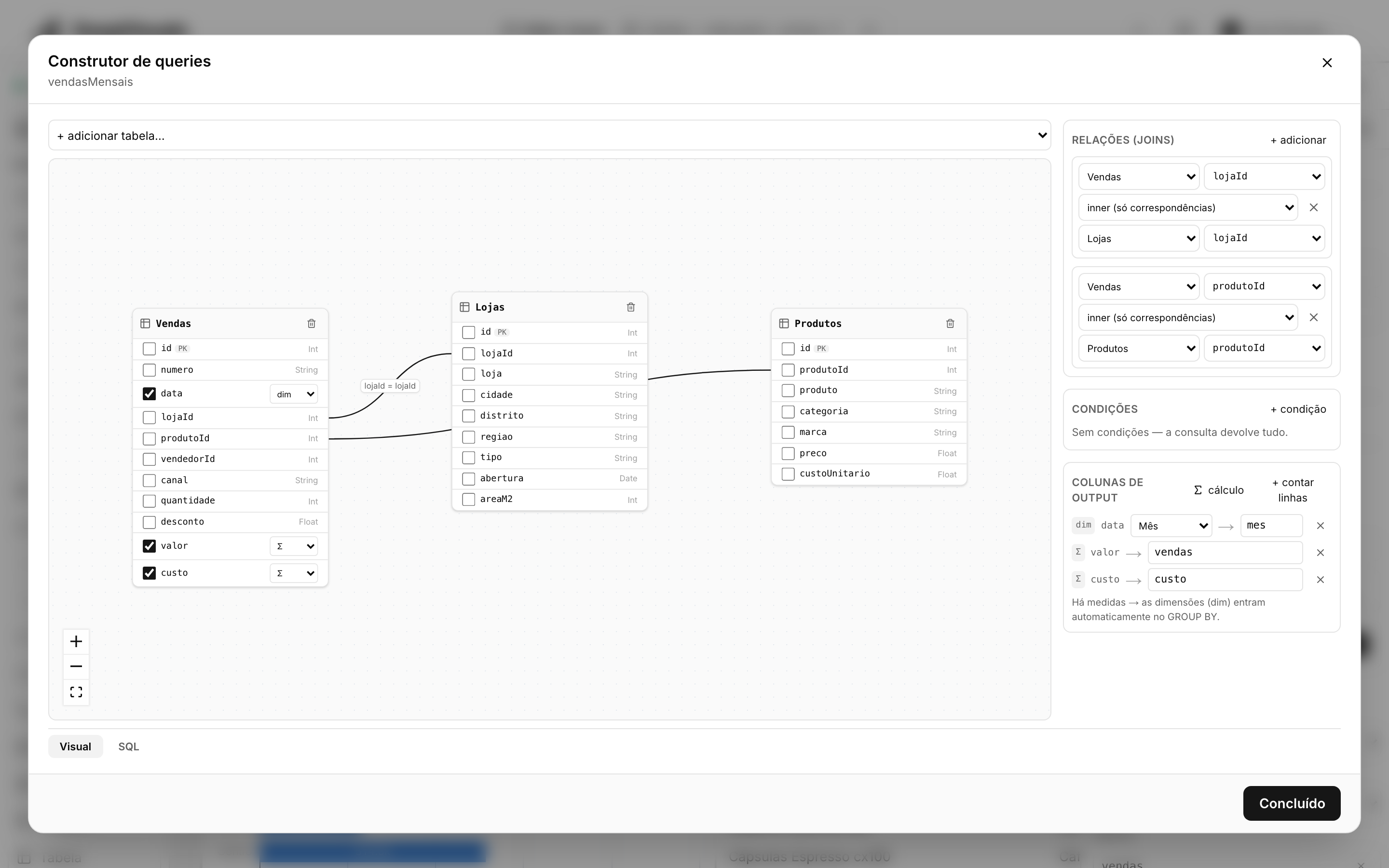
 DATA SOURCES · TABLES AND RELATIONSHIPS
INSIDE THE PRODUCT
Create a connection to the organisation's database and expose the required tables to the DeepVisuals model.
Tables and relationships feed the query builder without turning the DBMS into an intermediate file.
One connection can feed different queries, widgets and dashboards. Each screen requests only what it needs.
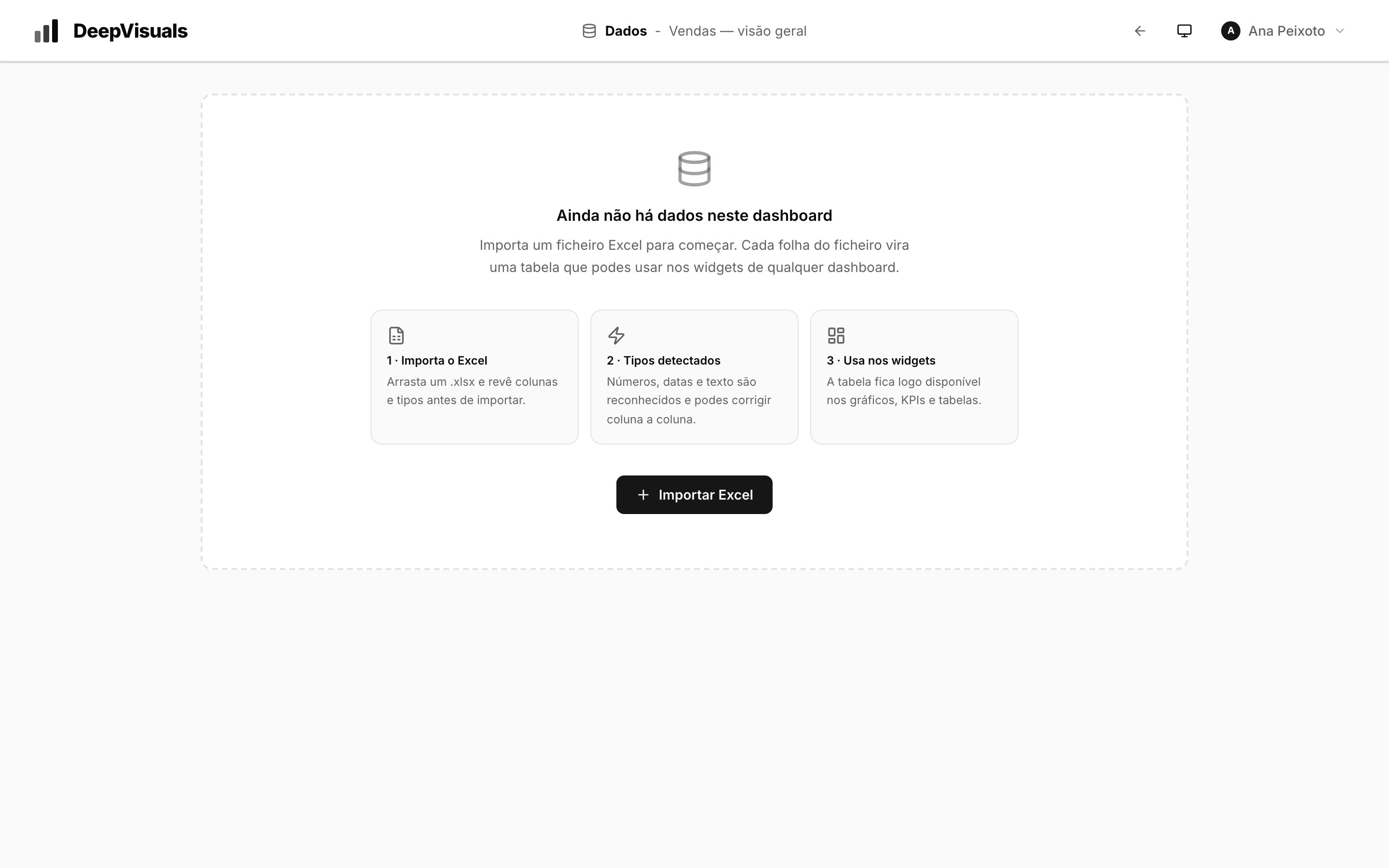
.xlsx and .xls files remain available for manual data or information not yet held in a database system.