Connect sources
Connect MS SQL Server, MySQL, Oracle, PostgreSQL, MariaDB and other DBMS. Excel import remains available as a complementary path.
 MAINSYSTEMS
PRODUCT OVERVIEW
DeepVisuals connects to the organisation's data sources and brings queries, visual design, interaction and sharing together. A dashboard remains connected to the model and systems that produce it.
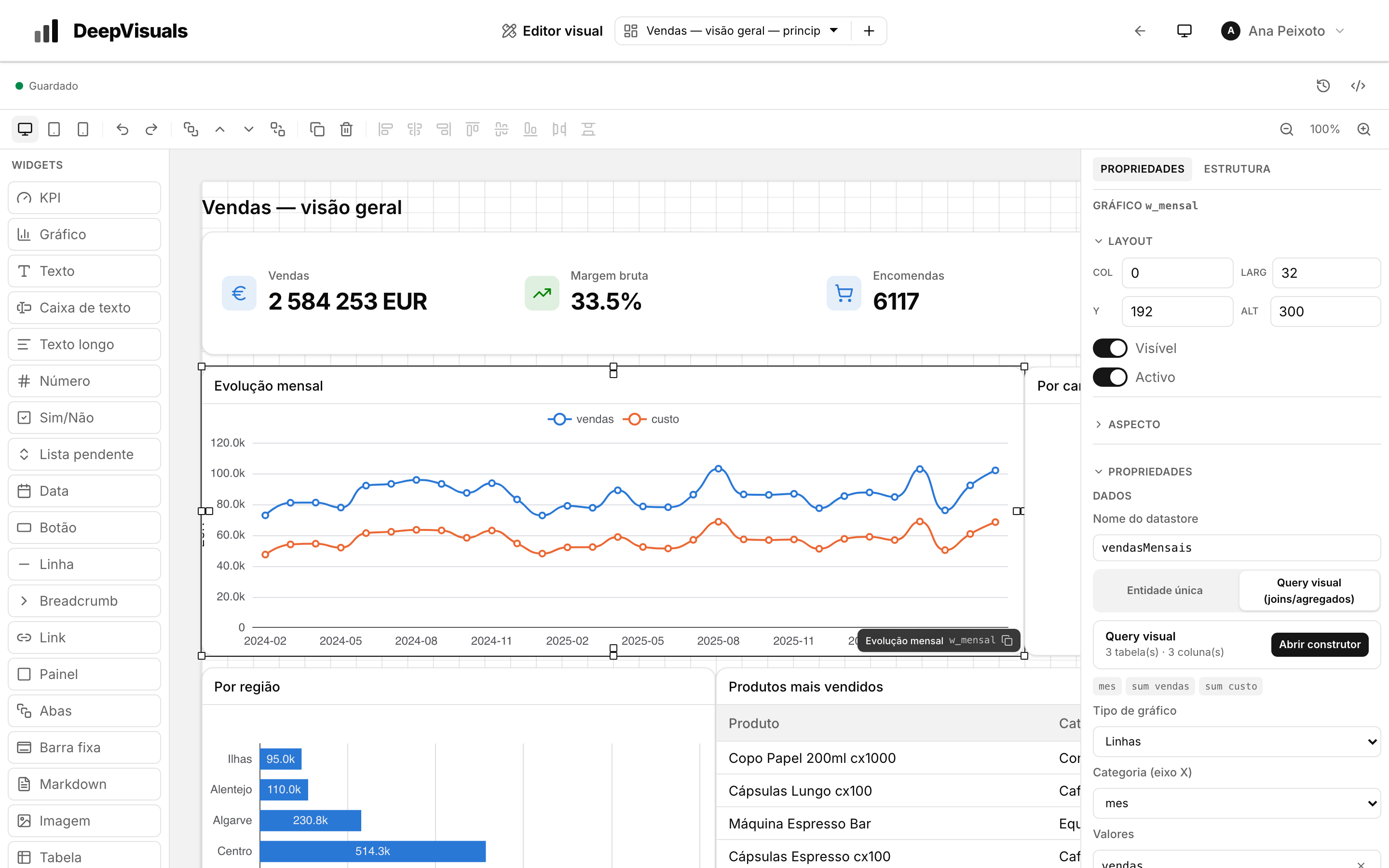
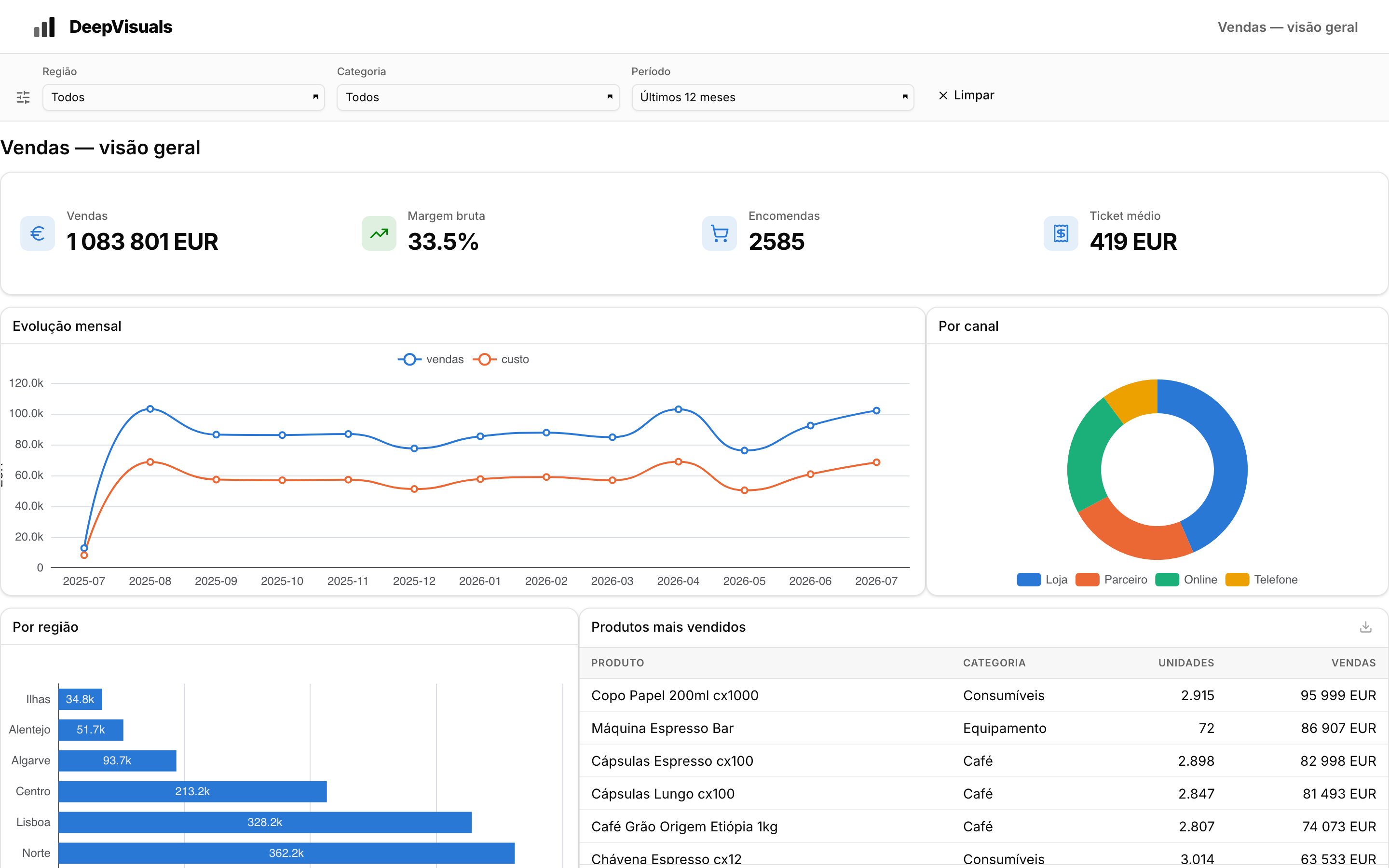 VISUAL EDITOR · PALETTE, CANVAS AND INSPECTOR
INSIDE THE PRODUCT
Connect MS SQL Server, MySQL, Oracle, PostgreSQL, MariaDB and other DBMS. Excel import remains available as a complementary path.
Each widget receives a dataset. The query defines tables, joins, dimensions, measures and filters; the widget receives only the result.
The editor brings palette, canvas and inspector together. Widgets sit on a 48-column grid with layouts for web, tablet and mobile.
A dashboard can remain private to account users or receive its own public link. Version history lets you review and restore changes.